
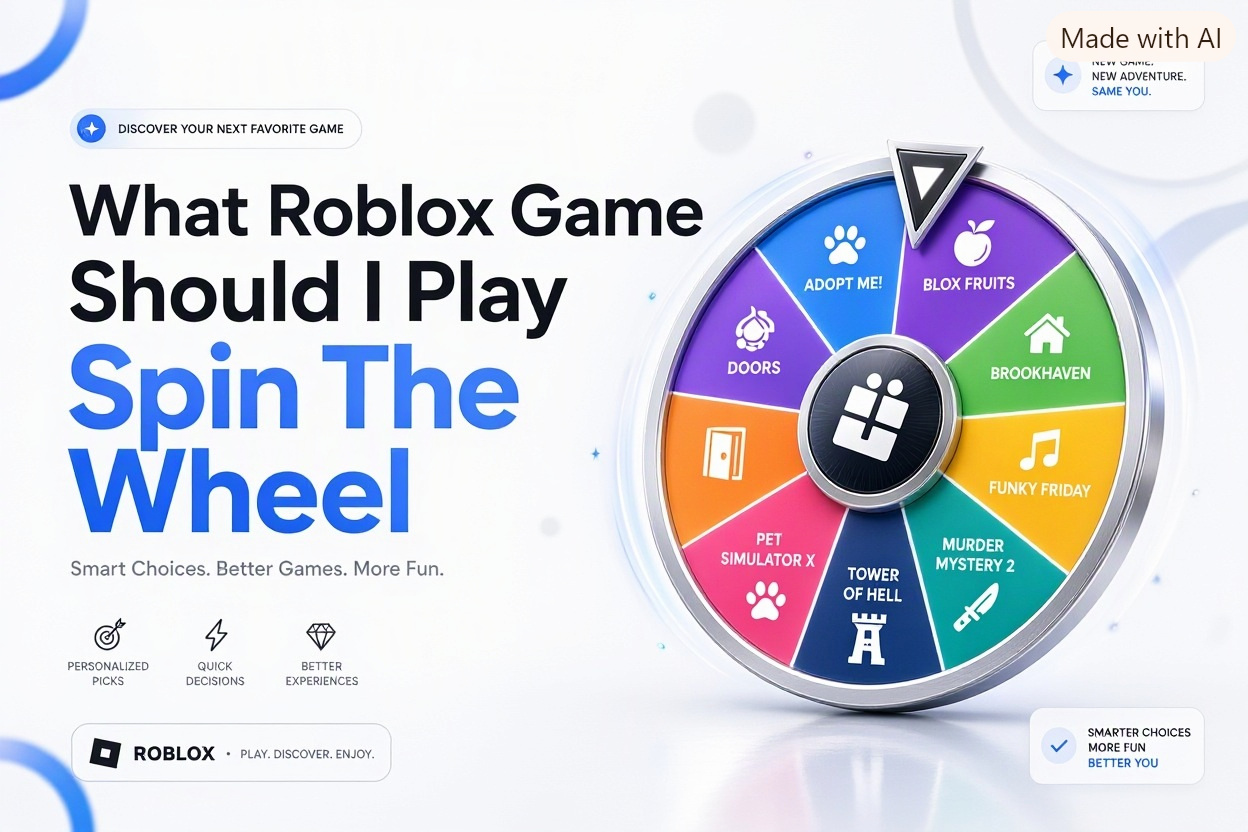
If you have ever stared at the Roblox homepage for twenty minutes without joining anything, you are not alone. With millions of experiences to pick from, choosing can feel harder than playing. That is why so many players search for what roblox game should i play spin the wheel and hope a random spin will decide for them.
A spin the wheel picker is a simple tool that selects a game for you from a list you create. You add ten, twenty, or fifty Roblox titles, click spin, and play whatever it lands on. In this article, you will learn how these wheels work, which games are worth adding, how to build a balanced wheel for your play style, and what to do when the wheel picks something you do not enjoy.
How the Roblox Game Picker Wheel Works
A Roblox game picker wheel is usually a free spinning wheel website or app where you type in game names and spin for a random result. Each entry gets an equal slice at first, though some tools let you weight favorites to appear more often. The result is instant and removes the pressure of choosing.
Most players do not use an official Roblox feature for this. They use third-party wheel spinners, Discord bots, or mobile apps, then search for the winning game inside Roblox. You can save your wheel, share a link with friends, and re-spin if a game is full, under maintenance, or not appropriate for your group.
What Counts as a Spin Wheel Tool
A true spin wheel tool shows a colorful wheel, spins with animation, and lands on one entry. Some random generators only show text without a wheel, which works the same way but feels less fun. For group play, the visual spin matters because everyone can watch and react together.
Look for tools that let you edit entries quickly, remove games without resetting the whole wheel, and save multiple wheels. That flexibility helps when you want one wheel for horror night, another for simulators, and another for playing with younger siblings.
Where Players Find These Wheels
Most players find wheel spinners through search, TikTok, or YouTube videos where creators spin for viewers. Popular options include general picker wheel sites, Roblox-themed random game sites, and Discord servers with spin commands. All of them follow the same basic idea.
You do not need to download anything or link your Roblox account. Never enter your Roblox password into a wheel site. A safe spinner only needs the names of games, not your login, friends list, or inventory details.
Why Players Use a Random Picker for Roblox
Decision fatigue is real on Roblox. New trending games appear every week, friends suggest different titles, and the front page keeps changing. A wheel narrows your options to a short list you already like and picks one in seconds. That small limit makes starting much easier.
Spinning also adds excitement to routine play sessions. Even a familiar game feels fresh when the wheel chooses it for you. For creators and friend groups, it creates suspense, funny reactions, and a fair way to settle arguments about what to play next.
Key benefits of using a wheel picker for Roblox sessions
- Ends long debates about what to join in under a minute
- Helps you revisit older favorites instead of playing the same two games
- Introduces variety by mixing genres you would not normally pick
- Works well for videos and streams because viewers enjoy the random result
- Lets groups with different tastes share control fairly
- Encourages short trials of new games without overcommitting
Popular Roblox Games to Add to Your Wheel
A good wheel needs balance. If you add only horror games, you will get bored on days when you want something relaxing. The best approach is to include eight to twelve proven games across four or five genres, then add a few wild cards for variety.
Below are reliable categories to include. Pick one or two from each based on your age, skill level, and who you usually play with. You can always rotate new releases in and remove games you stop enjoying.
High Energy Horror Picks for Brave Nights
Doors and Apeirophobia are strong choices for a horror slice because they offer clear goals, teamwork, and replay value. Doors works well for shorter sessions, while Apeirophobia suits players who want longer exploration and puzzle solving. Both create great reactions when spinning with friends.
Piggy and The Mimic are also worth adding if your group enjoys story-driven scares. Piggy rounds are faster and easier for mixed-age groups. The Mimic is slower, darker, and better for older players who want atmosphere. Keep only one or two horror games on a general wheel to avoid landing on horror when no one is in the mood.
Relaxing Roleplay and Hangout Picks
Brookhaven RP and Berry Avenue RP are ideal when you want low-pressure play. You can roleplay jobs, explore houses, drive around, or just chat. These games work well for younger players, casual sessions, and groups where some people want to talk more than compete.
Livtopia and Adopt Me fit the same relaxed mood but add more structure. Adopt Me gives you pets, trading, and goals to work toward. Livtopia offers nicely designed homes and seasonal events. Add one hangout game to your wheel so you have a comfortable fallback option.
Simulator and Grinding Picks for Progress Lovers
Pet Simulator 99, Muscle Legends, and Blox Fruits appeal to players who like unlocking, upgrading, and showing progress. These games reward regular play and feel satisfying when you land on them during a long weekend session. They are also easy to play while chatting with friends.
The downside is that simulators can feel repetitive if you spin one two days in a row. To prevent that, put only one simulator on a small wheel or set a rule that you skip a repeat result. Choose simulators with active updates so the wheel does not send you to an abandoned game.
Obby, Tycoon, and Competitive Picks
Tower of Hell, BedWars, and Arsenal bring fast rounds and skill-based action. Tower of Hell is perfect when you have only fifteen minutes. BedWars and Arsenal are better for competitive groups who want teamwork and rematches. These picks keep the wheel exciting for players who get bored easily.
Tycoon games like Retail Tycoon 2 or Theme Park Tycoon 2 offer a middle ground. They are competitive without being intense, and you can save progress over time. If you play solo often, include one tycoon so the wheel sometimes gives you a calm building session.
Building Your Own Custom Game Wheel
Start with your real habits, not just trending charts. Think about the last five games you actually finished a session in and add those first. Then fill gaps with one new release, one friend recommendation, and one genre you rarely try. That mix keeps spins fair and fun.
Keep names exact so you can find them fast in Roblox search. For example, write Doors by LSPLASH, not just Doors. If a game has copycat clones, save the creator name or link in your notes. This prevents joining the wrong game after a spin, which is a common frustration.
Steps to set up a balanced Roblox wheel in ten minutes
1. List twelve games you already enjoy across at least four genres.
2. Remove duplicates that feel too similar, like two identical pet simulators.
3. Add two wild card slots for new or seasonal games to try.
4. Enter the names into your wheel tool and check spelling carefully.
5. Color code slices by genre if the tool allows it for easier reading.
6. Do three test spins and replace any game you would dread landing on.
7. Save the wheel link and share it with your usual play group.
Naming and Organizing Multiple Wheels
Many players outgrow a single wheel. You might want a solo wheel, a sleepover wheel, and a Halloween-only wheel. Most spinner sites let you save presets, which is cleaner than cramming thirty games onto one crowded wheel.
Use clear names like Solo Chill Wheel or Friday Friends Chaos Wheel. Review your lists monthly and remove games that stopped updating, became too laggy on your device, or changed age ratings. A small, current wheel spins better than a large, outdated one.
Themed Wheel Ideas for Different Moods
Themed wheels solve the biggest problem with random pickers, which is landing on the wrong vibe. Instead of one giant list, build three or four mood-based wheels and choose the wheel first, then spin. It takes a little setup but saves a lot of re-spins.
Moods change by day, group, and available time. A fast after-school session needs different games than a three-hour weekend hangout. Having themes ready means the wheel feels helpful instead of random for the sake of being random.
Spooky Night Wheel for Friends
A spooky wheel should include four to six horror games with different intensity levels. Mix short jump-scare games with longer story games so younger or nervous players have options. Add one non-horror escape game as a safety valve for when the group wants a break.
Set ground rules before spinning, like no leaving mid-round and volume limits for late night. Play with voice chat if everyone agrees, and keep flashlights or in-game items explained early. For inspiration on age-appropriate scares, see [Internal Link: Best Roblox Horror Games] before finalizing your list.
Cozy Solo Wheel for Relaxing Play
A cozy wheel focuses on building, roleplay, farming, and exploration without leaderboards. Good adds include Adopt Me, Retail Tycoon 2, Starving Artists for drawing and selling art, and relaxed exploration games. These titles let you play at your own pace.
Avoid competitive shooters and difficult obbies on this wheel. The point is to unwind, not to stress about wins. Many solo players also add a music or hangout game where they can idle, decorate, or chat while doing homework or listening to podcasts.
Fast Fun Wheel for Short Sessions
A fast fun wheel is for days when you have twenty to thirty minutes. Include games with quick rounds, instant action, and no long tutorials. Tower of Hell, Natural Disaster Survival, Murder Mystery 2, and Speed Run 4 are classic choices.
Keep this wheel small, around six to eight games. Fewer slices mean faster decisions and less scrolling to find the winner in Roblox. This is also the best wheel to share with new players because they can learn each game in one or two rounds.
Solo Play Versus Group Play Wheel Options
Solo and group wheels should not be identical. Solo play rewards progress, story, and calm pacing. Group play rewards interaction, funny moments, and roles that let everyone participate. If you use the same wheel for both, you will often land on games that feel empty alone or chaotic with friends.
Think about communication and device limits too. Some games need voice chat or a keyboard to enjoy fully. Others work fine on mobile with no mic. Label those details in your wheel notes so you do not spin a PC-heavy game when everyone is on phones.
Best Structure for a Solo Wheel
A solo wheel can be slightly larger because you do not need group agreement. Include long-term games like Blox Fruits, Your Bizarre Adventure, or deep tycoons where progress carries over. Add one story game and one creative game for variety.
Solo players benefit from a retry rule. If the wheel lands on a game you played yesterday, allow one re-spin to keep things fresh. Track what you played each day in your phone notes so you can see patterns and adjust the wheel over time.
Best Structure for a Friends or Party Wheel
A party wheel should prioritize games with at least four to six players, simple controls, and short learning curves. Murder Mystery 2, BedWars, Doors multiplayer, and Pictionary-style games work well. Everyone should be able to join and understand the goal within five minutes.
For larger groups, avoid two-player story games and high-lag maps. Test the wheel with your actual friend count before game night. If you often play with the same crew, check [Internal Link: Fun Roblox Games to Play With Friends] and rotate two new party games in each month to prevent burnout.
Quick tips to get better results from every spin
- Limit wheels to eight to fourteen games for clearer choices
- Mix at least three genres so moods are covered
- Put exact game titles plus creator names in your notes
- Allow one veto per person per session to avoid frustration
- Re-spin if a server is full, laggy, or under update
- Save separate wheels for mobile-only and PC sessions
- Update your wheel monthly to remove dead or boring games
- Take a screenshot of the result to settle friendly disputes
Common Problems With Random Game Pickers
Random does not always mean fair. If one genre dominates your list, you will land on it most of the time. A wheel with seven simulators and one obby is basically a simulator picker. Check your balance every few weeks and trim overrepresented categories.
Another issue is outdated entries. Roblox games change fast, and a favorite from last year may now have fewer players, more ads, or different content. Before game night, quickly search each wheel entry to confirm it still has active servers and positive recent ratings.
Dealing With Repeats and Bad Spins
Landing on the same game three times in a row kills the fun. Most tools have a remove-after-spin option, which is perfect for variety nights. Turn on elimination mode when you want to try five different games without repeats.
Set a clear house rule for skips. Many groups allow one free re-spin, then require a majority vote for a second skip. This keeps things moving while respecting genuine dislikes, lag issues, or age concerns. Without rules, spinning can take longer than playing.
Age Ratings and Device Performance Issues
Not every game suits every player or device. Check the age recommendation, chat settings, and content warnings before adding a game to a shared wheel. Horror games, dating-style roleplay, and intense shooters may not fit younger siblings or classroom settings.
Performance matters too. Large maps and high-player servers can lag on older phones and tablets. If your group uses mixed devices, favor optimized games and test graphics settings in advance. Keep one lightweight backup game on every wheel for laggy days.
Alternatives to Spinning for a Roblox Game
A wheel is fun, but it is not the only way to choose. Roblox charts, friend activity feeds, and event pages can surface good options when your wheel feels stale. Sometimes browsing New and Trending for ten minutes reveals a fresh release worth adding to your next wheel.
Curated lists and YouTube playthroughs help when you want details before committing. Watch two minutes of gameplay to judge pace, graphics, and difficulty. If a game looks good, add it to your wheel instead of joining immediately, so you still get the fun of spinning later.
Do and do not list for fair and fun wheel nights
Do keep wheels updated with active, age-appropriate games
Do allow one veto to keep the mood positive
Do use elimination mode when sampling multiple games
Do save separate wheels for solo, duo, and large groups
Do check server size and device support before game night
Do not add games you have never researched or played
Do not include copycat clones with stolen names
Do not force someone to play a game that scares them
Do not share login details with wheel sites or bots
Do not spin a huge thirty-game wheel when time is short
Conclusion
A random picker works best when you treat it as a starting point, not a strict order. Build a small balanced list, match the wheel to your mood and group size, and set simple skip rules so every session stays fun. Update your lists often and keep exact titles handy to avoid clones and empty servers.
If you came here wondering about what roblox game should i play spin the wheel, the practical answer is to create two wheels tonight, one cozy solo list and one party list, then spin and commit to three rounds.
Frequently Asked Questions
How to Make a Roblox Spin the Wheel Picker at Home?
Use a free wheel spinner site, type in eight to twelve exact Roblox game titles, save the wheel, then spin and search the winner in Roblox. Keep creator names in your notes to avoid clones.
Best Number of Games to Put on a Roblox Wheel?
Eight to twelve games works best for most players. This size gives variety without overwhelming choice, keeps slices readable, and makes it easy to find the winning game quickly.
How to Handle Landing on a Boring Roblox Game?
Agree on one free re-spin per session before you start. If the game is laggy, full, or age-inappropriate, remove it and spin again. Replace boring games monthly.
Best Roblox Wheel Games for Playing With Friends?
Choose multiplayer games with quick rounds like Murder Mystery 2, BedWars, Doors, and Natural Disaster Survival. Favor simple controls, stable servers, and support for four or more players.
How to Keep a Roblox Game Wheel Updated Over Time?
Review your wheel monthly, remove inactive games, add two new releases, and check ratings and server counts. Save separate wheels for solo play, parties, and seasonal events.